
Best iPhone Data Recovery Software of 2025
Losing important data from your iPhone can be a stressful experience. Whether it’s accidental deletion, a failed iOS update, or physical damage to your device, retrieving lost data becomes a priority. Among the many tools available in 2025, Stellar Data Recovery for iPhone emerges as a leading solution. This article will focus on Stellar iPhone […]
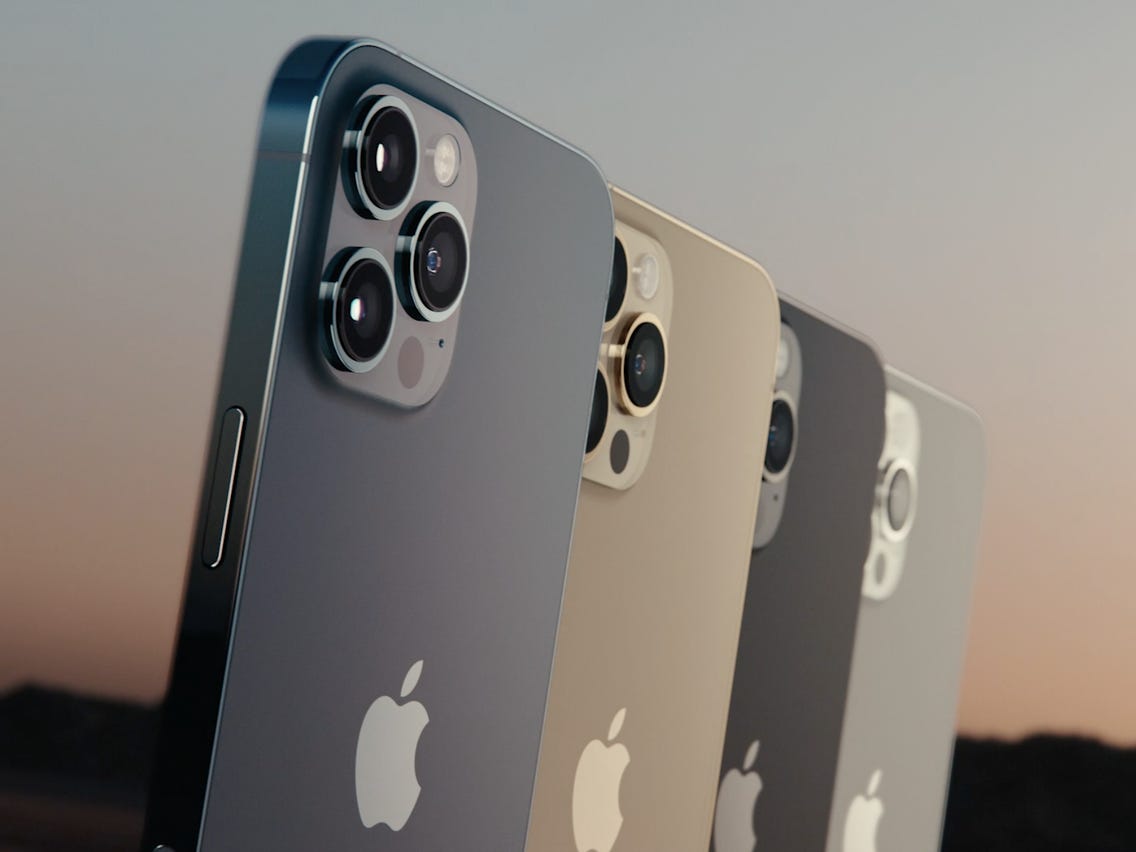
iPhone 12 Pro Max
Losing important data from your iPhone can be a stressful experience. Whether it’s accidental deletion, a failed iOS update, or physical damage to your device, retrieving lost data becomes a priority. Among the many tools available in 2025, Stellar Data Recovery for iPhone emerges as a leading solution. This article will focus on Stellar iPhone Data Recovery as best iPhone data recovery software while exploring its features, benefits, and how it compares to other software.
Why Stellar Data Recovery for iPhone is a Top Choice
Stellar Data Recovery for iPhone has earned its reputation as one of the most reliable tools for recovering lost iPhone data. It combines advanced features with an intuitive interface, making it suitable for both beginners and professionals.
Key Benefits of Stellar Data Recovery for iPhone
- Comprehensive Data Recovery: Stellar Data Recovery supports a wide range of data types, including photos, videos, contacts, messages, call logs, Safari bookmarks, and even app data like WhatsApp and Line chats.
- Multiple Recovery Modes:
- iPhone Recovery: Recover data directly from your iPhone.
- iTunes Backup Recovery: Extract data from iTunes backups.
- iCloud Backup Recovery: Retrieve files from your iCloud account.
- iOS Compatibility: The software is fully compatible with the latest iOS 18 and supports all iPhone and iPad models, including the iPhone 16 series.
- User-Friendly Interface: Stellar’s design ensures ease of use, even for non-technical users. The step-by-step recovery process makes it simple to navigate.
- Preview Feature: Before restoring files, users can preview recoverable data to ensure they retrieve the right information.
Features That Set Stellar Apart
Advanced Scanning
Stellar offers both quick and deep scan options. The quick scan identifies recently deleted files, while the deep scan thoroughly searches your device for inaccessible or deeply buried data.
High Recovery Success Rate
With powerful algorithms, Stellar iPhone Data Recovery delivers one of the highest success rates in the industry. It can recover data lost due to accidental deletion, factory resets, system crashes, or water damage.
Data Privacy and Security
Stellar ensures user data is handled securely, giving users peace of mind while recovering sensitive information.
How Stellar Compares to Other Software
While several iPhone data recovery tools are available, Stellar Data Recovery stands out for its reliability and robust features. Here’s how it compares to some other popular options:
1. Dr.Fone – Data Recovery (iOS)
- Advantages: Comprehensive file recovery, repair functions for iOS issues.
- Disadvantages: Higher cost and a more complex interface compared to Stellar.
2. Gbyte Data Recovery
- Advantages: Supports free preview of partial content before purchase, allowing users to confirm data is recoverable before deciding to buy.
- Disadvantages: The software requires payment to fully export data; the free version cannot complete the final recovery.
3. iMobie PhoneRescue
- Advantages: Fast scanning and enhanced privacy.
- Disadvantages: Limited features for advanced users.
4. Tenorshare UltData
- Advantages: Rich compatibility and preview options.
- Disadvantages: Slower recovery speeds compared to Stellar.
5. EaseUS MobiSaver
- Advantages: Affordable and beginner-friendly.
- Disadvantages: Limited recovery modes and lower success rates.
Using Stellar Data Recovery for iPhone: A Step-by-Step Guide
Here’s how to use Stellar Data Recovery for iPhone effectively:
- Download and Install: Visit Stellar’s official website and download the software for your Mac or Windows computer.
- Connect Your Device: Plug your iPhone into your computer using a USB cable.
- Select Recovery Mode: Choose from iPhone recovery, iTunes backup recovery, or iCloud backup recovery.
- Scan for Data: Initiate a quick or deep scan to locate lost files.
- Preview and Recover: Preview the recoverable files and select the ones you wish to restore. Click the “Save” button to save them to your computer.
Pricing and Availability
Stellar Data Recovery for iPhone offers both free and paid versions. The free version allows users to recover and preview data, while premium versions unlock advanced features and unlimited recovery capabilities. Stellar also provides excellent customer support and regular software updates to enhance performance. Stellar also offers a professional iPhone Toolkit software that features iOS Repair, Remove Apple ID, iPhone Data Eraser along with iPhone Data Recovery.
Conclusion
Stellar Data Recovery for iPhone is undoubtedly one of the best iPhone data recovery solutions available in 2025. Its comprehensive recovery capabilities, user-friendly interface, and high success rate make it a preferred choice for users worldwide. Whether you’ve lost valuable photos, important messages, or critical app data, Stellar ensures your data is just a few clicks away.
Invest in Stellar Data Recovery for iPhone today to safeguard your digital memories and stay prepared for any data loss scenario.